
What Is a Court Docket in Clinton County
A docket is the chronological record of case events. Every time a document is filed, a hearing is set, an order is signed, or a fee is assessed, a new line is added. Michigan courts also call this list the register of actions, and the two terms mean the same thing. Each line carries a date, a short description of the event, and often the party responsible for it. Read top to bottom, the docket becomes a timeline of the case from the day it opened.
The docket is not the full case file. It is the index to that file. A docket entry might read that a motion was filed, but the motion itself, with its arguments and exhibits, lives in the record maintained by the clerk. In Clinton County the split runs along court lines. The County Clerk keeps the Circuit Court file for felonies, divorces, and larger civil matters, while the 65A District Court holds the docket for misdemeanors, traffic, small claims, and civil cases up to $25,000. Probate matters carry their own separate docket.
How to Find Clinton County Dockets Online
Docket research in Clinton County works best when you start at the right court level rather than a single county-wide box. For district court matters, the county links a public docket and a register-of-actions view through its District Court Case Inquiry page, which routes into the statewide MiCOURT case search at the D65A court path. For Circuit Court cases, the clerk record search and MiCOURT are the officially linked routes. The state portal notes that civil, traffic, criminal, domestic, and probate cases may appear depending on the court.
- Decide the court level first: District Court for misdemeanors, traffic, small claims, and civil up to $25,000; Circuit Court for felonies, divorce, and higher civil cases.
- Open the matching portal, the District Court Case Inquiry for district matters or the clerk record search and MiCOURT for circuit matters.
- Enter a case number if you have it, or search by party name, since the clerk system is built around name, attorney, agency, judge, and date fields.
- Open the case and read the docket or register of actions from the top down to follow every event and upcoming hearing date.
Note: The clerk record portal warns that entries may lag a filing by at least 24 hours and that data can change without notice, so verify anything time-sensitive with the office.
Sample Clinton County Docket Entry
A single docket line packs several facts into a short row. Once you know what each column carries, the register of actions reads like a plain timeline. The table below maps the fields readers most often encounter on a Michigan court docket, drawn from the standard register-of-actions layout used across the county's court records.
| Field | What It Shows |
|---|---|
| Entry Date | The date the event was filed, scheduled, or ordered, setting the case timeline in order. |
| Event or Filing | The action taken, such as a complaint, motion, plea, notice of hearing, or order. |
| Party Filing | Who acted, the plaintiff, petitioner, defendant, respondent, attorney, or the court itself. |
| Judge Assignment | The judge or magistrate handling the matter, which in Clinton County drives the hearing schedule. |
| Hearing Type | The kind of appearance set, such as arraignment, preliminary exam, motion day, or trial. |
| Outcome or Order | The result of an event, including dispositions, judgments, bond conditions, or continuances. |
| Document Link | A pointer to the underlying filing where the court has published the document electronically. |
Not every field appears in every system. The county does not expose a live sample docket page in its static site, so the exact result grid varies by portal, but the fields above are the ones a searcher will meet when a case opens on screen.
Courts That Publish Dockets and Schedules in Clinton County
The county's docket story is tied to scheduling as much as to filing. The district court posts public docket displays alongside a judge schedule and a magistrate schedule, so docket research here is partly about learning which judge hears which matter and when. A good starting point is the county Court Schedules page, which gathers the calendars in one place.
The county's Court Schedules hub is the entry point for hearing calendars across the trial courts. The Court Schedules page links the individual court calendars that tell you when a matter is set.
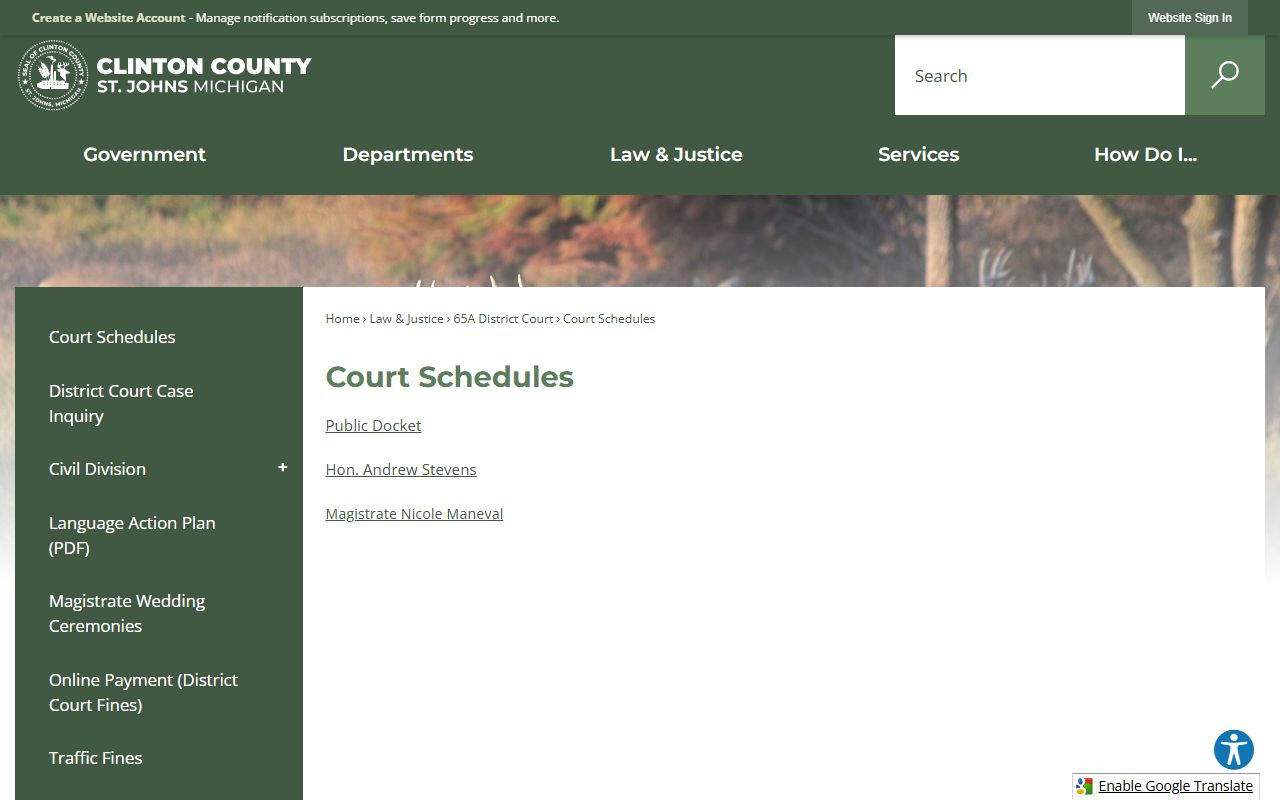
From that hub, readers move to the specific court calendar they need, which is where the actual hearing dates and courtroom assignments appear.
- 65A District Court: publishes a public docket, a judge schedule under Hon. Andrew Stevens, and a magistrate schedule under Nicole Maneval for traffic, misdemeanor, small claims, and civil matters.
- 29th Judicial Circuit Court: felony, divorce, family division, and higher civil dockets, with motions set through the assignment clerk rather than a self-serve calendar.
- Probate Court: maintains its own docket for estates, guardianships, conservatorships, and juvenile matters.
- MiCOURT statewide search: the officially linked route that may surface district and circuit register-of-actions entries in one interface.
The district court keeps its scheduling detail on a dedicated calendar that spells out hearing days and courtroom logistics. The District Court Schedule is the page that turns a docket entry's hearing date into a real time and place.
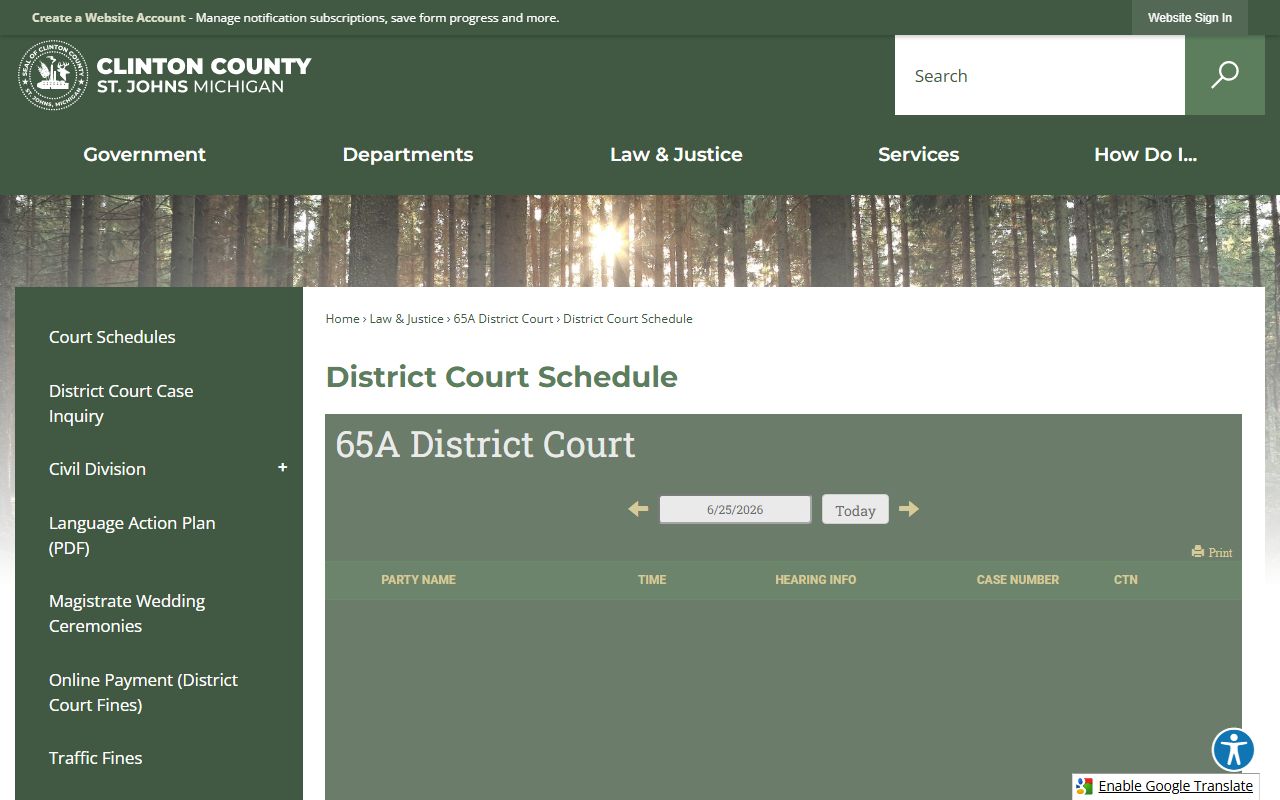
Reading the docket and the schedule together is how a party confirms not just that a hearing exists, but when to be there and in which courtroom.
Docket vs. Full Case Record
The docket and the full case record are different things, and confusing them leads to wasted trips. The docket is a list of events you can often scan for free. The full record is the stack of actual documents behind those events, and getting copies usually means a fee or a visit to the clerk.
| Docket | Full Case Record | |
|---|---|---|
| Format | List of dated entries | Complete filed documents |
| Content | Event names, parties, hearing dates | Motions, exhibits, orders, transcripts |
| Access | Often online through the court portals | Clerk copies, in person or by mail |
| Cost | Generally free to view | $2 per page for the first 10 pages, then $0.50, with certified copies at $1 per page plus $10 |
| Use | Track case progress and dates | Legal review, evidence, appeals |
For Circuit Court files, the County Clerk searches records after July 1996 online, in person, or by mail for $10 per name for a 10-year search, while pre-July-1996 files can be searched in the office at no charge. Mail searches are completed within 24 hours. The clerk record search and MiCOURT are covered in more depth on the Clinton County court records page.
Zoom Courtroom Numbers and Remote Hearings
A modern Clinton County docket entry may point to a video appearance rather than a physical courtroom. The 65A District Court posts Zoom courtroom numbers directly on its schedule, so a hearing on the docket often comes with a virtual room assignment. That detail matters when the docket says a hearing is set but does not spell out how you are expected to attend.
The court states that certain hearings are presumptively eligible for videoconferencing under Michigan Court Rule 2.408(C). Other Zoom appearances must be pre-approved, so a party cannot assume a remote option exists simply because one was used before. When the docket and schedule leave a question, the district court publishes a direct phone number for hearing questions.
Appointed defense counsel may appear on the docket as well. The county's Indigent Defense office arranges representation for eligible defendants, and its attorneys show up in the register of actions once assigned.
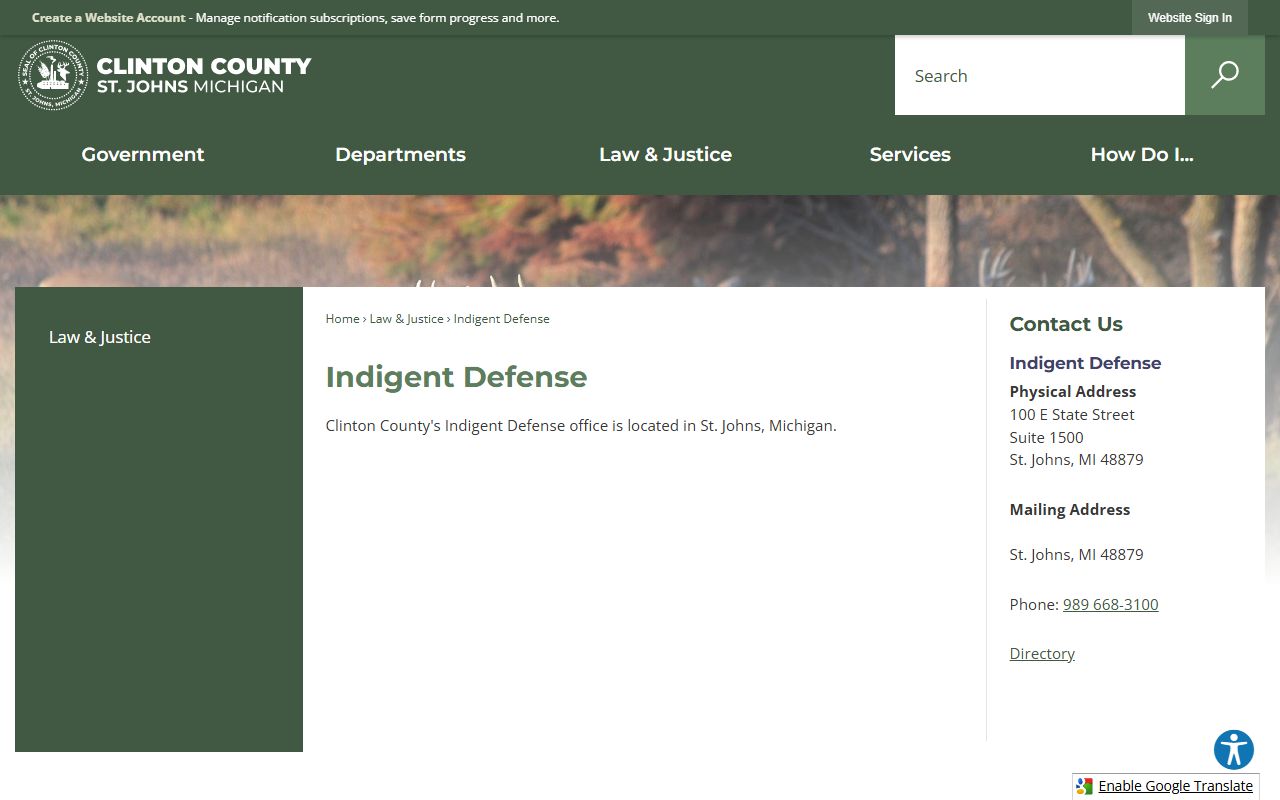
Seeing a defense attorney entered on the docket is often the signal that counsel has been appointed and the case is moving toward its next scheduled appearance.
Pre-Docket Review Through Court Innovations
Not every matter reaches a traditional docket right away. Clinton County uses a Court Innovations system that lets people review certain traffic and warrant matters online before the case moves through the standard docket flow. It is better understood as a review-and-resolution tool than a records index. The 65A District Court online case review portal supports traffic searches, limited warrant review, and DWLS or no-insurance matters.
The portal's own pages explain how the tool fits the county's process. The Court Innovations about page describes the system as the 65A District Court online case review process operated by Court Innovations Inc.
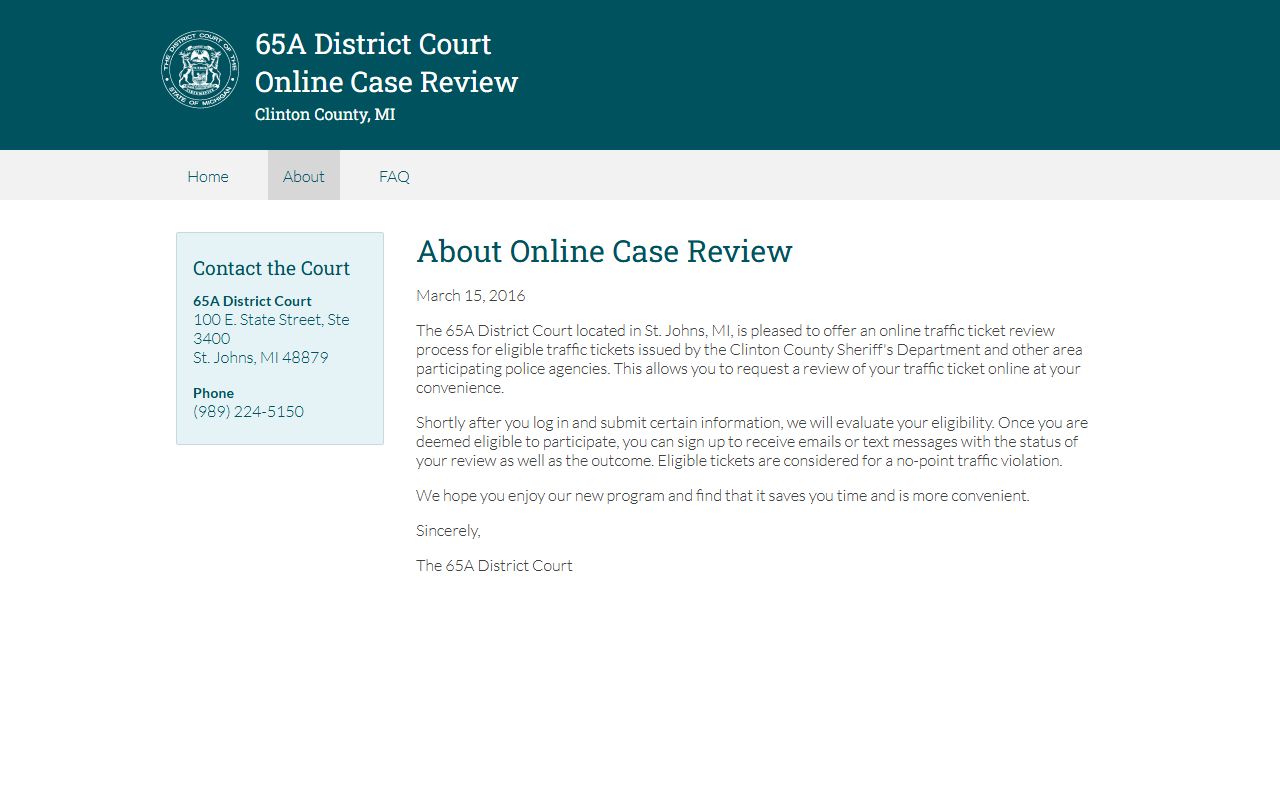
According to that page, eligible tickets issued by the Clinton County Sheriff's Department and participating agencies can be reviewed online, mirroring the in-court eligibility review.
Users who submit a matter may receive updates by email or text after the eligibility review. That is a different experience from opening a static docket line, and the difference is the point. The main MID65A review portal is action-oriented and task-driven, aimed at resolving eligible matters without a full in-person appearance.
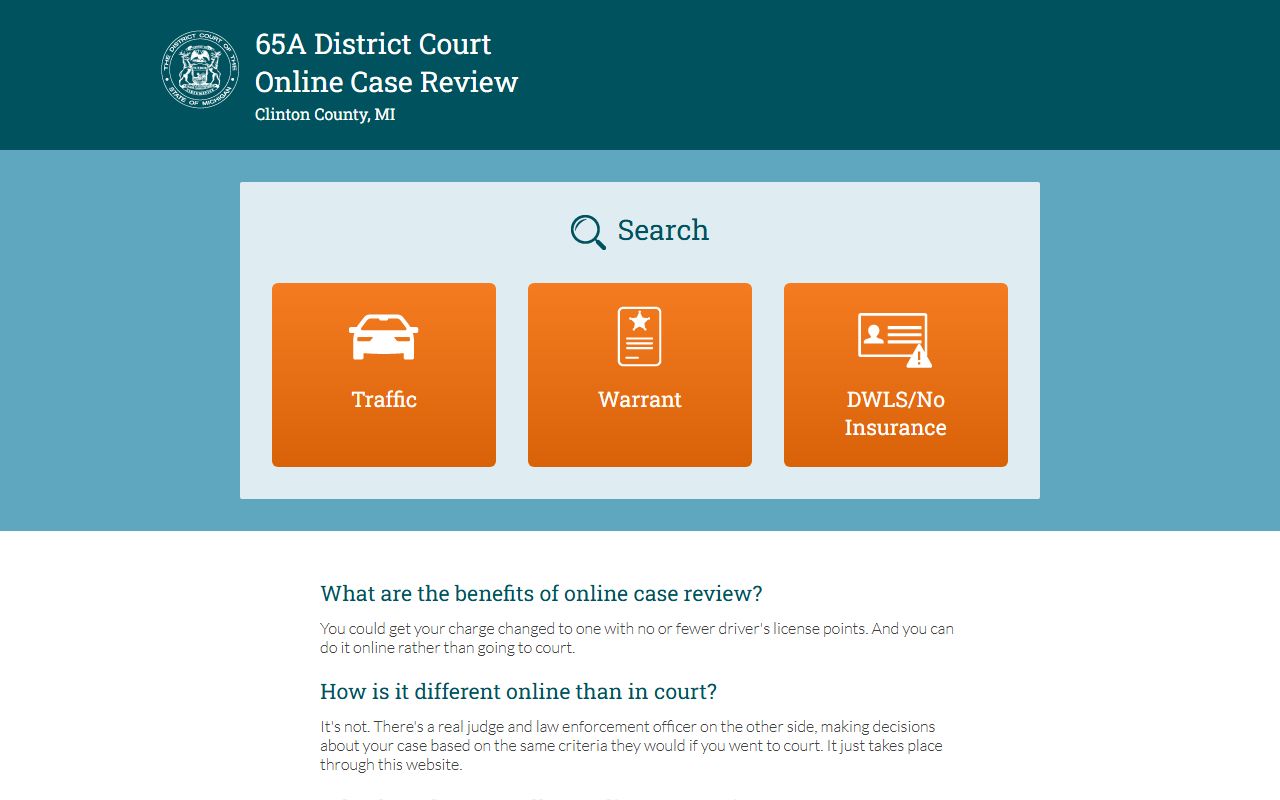
For eligible drivers, this pre-docket review can settle a citation before it ever becomes a contested hearing on the district court calendar.
How to Read a Clinton County Docket
Michigan dockets lean on a set of terms worth knowing before you scan the entries. Learning them turns a wall of abbreviations into a readable case history.
- Register of Actions
- The full case-history list in a court file, the same thing as the docket.
- Public Docket
- The county's own label for the public-facing docket displays linked from the district court page.
- Motion Days
- The set days when a judge hears motions, which is when many docketed motions are argued.
- Assignment Clerk
- The staff contact who sets Circuit Court motion hearings by phone before the motion and notice are mailed to the County Clerk.
- Court Attendance Notice
- The notice telling a party when and where to appear, which lines up with the hearing dates on the docket.
Circuit motions follow their own path. Instead of self-scheduling online, a party calls the assignment clerk to set a hearing on the right motion day, then mails the motion and notice of hearing to the County Clerk, with judge copies going to chambers. Praecipes are not required. That process explains why a motion may appear on the docket only after the scheduling call, not the moment it is drafted.
Disposition and status codes close the loop. A case may read open, closed, disposed, transferred, sealed, or nonpublic. A matter dismissed with prejudice cannot be refiled, while without prejudice means it can. A felony may show a preliminary exam and a bindover, the transfer of the case from district to circuit court. Reading those values in order tells you where the case stands and what, if anything, comes next.