
How to Search Clinton County Traffic Court Records
Traffic cases in the county are handled by the 65A District Court, so its online tools are the fastest way to find a ticket. The court's clearest self-service door is the 65A District Court online case review run by Court Innovations. It lets a driver pull up an eligible citation using a driver's license number, license state, and date of birth, then submit it for review. Eligible tickets issued by the Clinton County Sheriff's Department and other participating police agencies can be reviewed for a possible no-point outcome, and the system sends status updates by email or text once eligibility is checked.
Before starting, have the citation in hand along with the driver's license number, the state that issued it, and the date of birth. A case number helps if the ticket is being tracked through the statewide system instead of the county review tool. Names and dates are enough for a broad search, but license and citation details narrow the results quickly.
- Open the 65A District Court online case review and choose the traffic search.
- Enter the driver's license number, select the license state, and add the date of birth.
- Submit the request and let the tool check whether the ticket is eligible for online review.
- Watch for an email or text update reporting the eligibility decision or the review outcome.
- Pay the fine and costs, accept a no-point resolution if offered, or ask the court for a hearing to contest the charge.
For a broader look, the statewide MiCOURT case search can return civil, traffic, criminal, domestic, and probate cases depending on the court, and it links straight to the 65A District Court path. The county also posts a district court case inquiry and register-of-actions link for docket-level detail.
Traffic Citation Lookup Search Fields
The Court Innovations traffic search is built around the driver, not the case number, because most people do not carry a case number for a fresh ticket. The three fields below are what the traffic tool asks for. They match the license information printed on a Michigan ticket, so the data is easy to copy over.
| Search Field | Type | Required | Notes / Format |
|---|---|---|---|
| Driver's License Number | Text | Yes | Enter exactly as printed on the license, no spaces |
| Driver's License State | Dropdown | Yes | Select the state that issued the license, such as MI |
| Date of Birth | Date | Yes | Month, day, and year for the license holder |
The companion warrant search on the same portal adds a case number field, and the DWLS/no-insurance search uses the same three driver fields as the traffic tool. A county services overview sits behind the Clinton County services directory, which gathers the court, clerk, and payment links in one place.
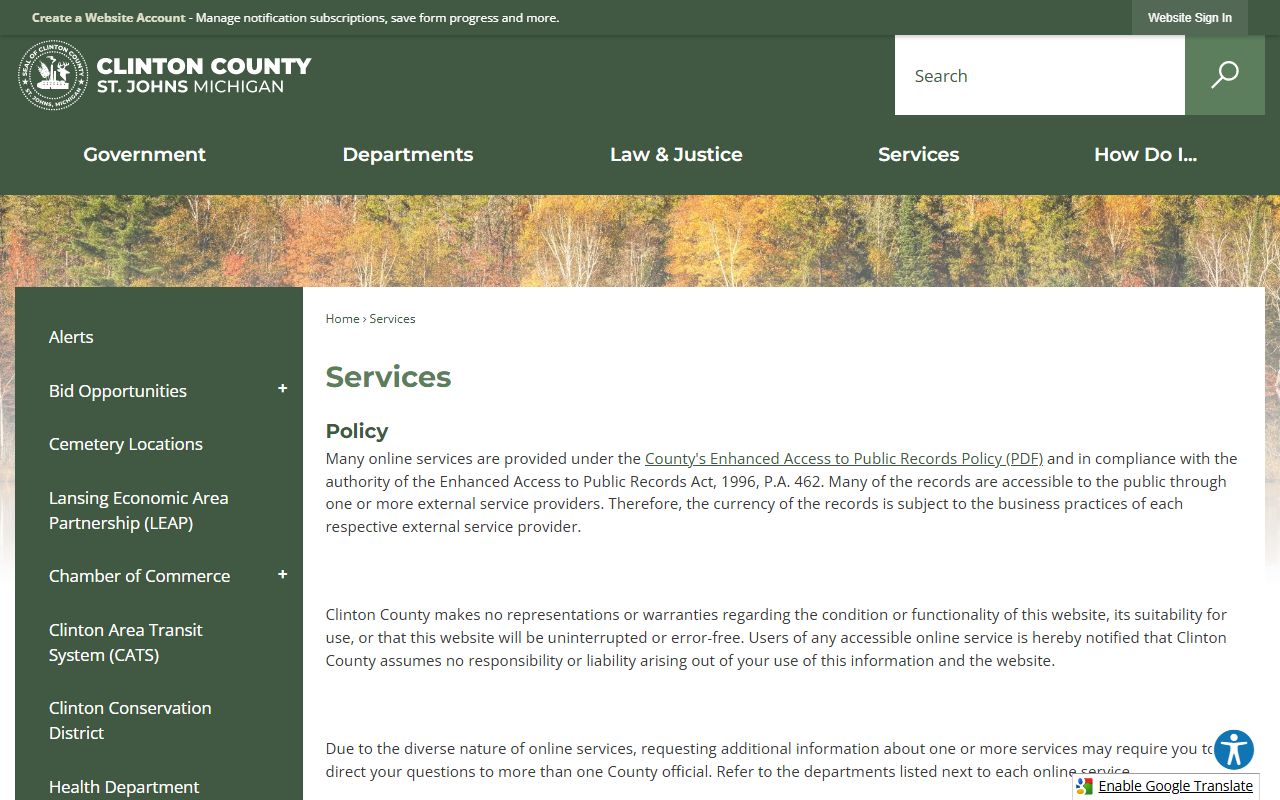
That directory is a useful starting point when a driver is not sure which office owns a specific ticket or fine, since it routes to the district court and the online payment page.
Which Court Handles Traffic Cases in Clinton County
Traffic in Clinton County is court-centric, not police-centric. The police agency issues the citation, but the 65A District Court owns the disposition side, from the court date to the fine to the final judgment. That split matters when searching: the officer who wrote the ticket does not decide the outcome, and the record of the outcome lives with the court.
The 65A District Court sits inside the county courthouse complex and handles vehicle-code and local ordinance violations along with misdemeanors, small claims, evictions, and garnishments. Serious drunk- or drugged-driving charges are the exception, since felony-level cases move up to the 29th Judicial Circuit Court after a preliminary exam. The contact card below covers the district court itself.
65A District Court
100 E State Street, Suite 3400
St. Johns, MI 48879
989-224-5155
Mon-Fri 8 a.m. to 4:45 p.m.; phones until 5 p.m.
Judge Andrew Stevens presides, with Magistrate Nicole Maneval handling many traffic and civil-infraction matters. The court's court schedules page lists hearing calendars and Zoom courtroom numbers for remote appearances.
Types of Traffic Cases on Record
Traffic records in the county cover a wide range of driving matters, from a routine speeding ticket to a suspended-license charge. Most are civil infractions, which are ticket-and-fine matters, while some are misdemeanors that carry a court appearance. The categories below show what a search may return.
- Moving violations - speeding, failure to stop, improper lane use, and similar civil infractions that can add points to a license.
- Non-moving and equipment violations - registration, seatbelt, and equipment tickets that usually carry a fine but no points.
- Driving while license suspended - DWLS matters, which the county tool handles alongside no-insurance cases.
- No-insurance citations - proof-of-insurance failures reviewed through the same driver-based search.
- Serious traffic offenses - drunk or drugged driving, which route to the criminal side rather than staying as ordinary infractions.
The research the county publishes does not describe a separate photo-enforcement or automated-camera docket, so most local traffic records begin with an officer-issued citation rather than a mailed camera notice.
What Clinton County Traffic Court Records Show
A traffic court record is the court's file on a single citation. It tracks the charge as written, the schedule, and how the case ended. The field inventory below reflects the data the county's court systems collect and display for traffic and infraction matters.
| Field | What It Shows |
|---|---|
| Citation / Case Number | The identifier the court assigns to the ticket, used across the county and state search tools |
| Driver Name and License | The cited driver, matched to a license number and issuing state |
| Charge / Statute | The vehicle-code section or ordinance the citation alleges |
| Issuing Agency | The sheriff's department or police agency that wrote the ticket |
| Court Date and Events | Scheduled hearings, register-of-actions entries, and any Zoom appearance notes |
| Disposition | How the matter resolved: paid, dismissed, found responsible, or reduced |
| Fines, Costs, and Fees | Amounts owed or paid on the citation |
A stable citation-number format guide and a live sample result page are not published in the county's static pages, so the exact on-screen layout can vary by tool. The clerk's office and the district court remain the source of record when an online entry looks incomplete.
Searching by Citation Number vs by Name
Two search styles cover most needs. A citation or case number points at one file, which is best once a ticket has been entered and a driver knows the number. A name or driver search casts wider, which helps early in a case or when the number is lost. The county traffic tool leans on driver details rather than the case number, so a fresh ticket is usually pulled up by license and date of birth.
Name searches can return more than one match, especially for common names, so a date of birth or license number is what separates the right driver from a namesake. Citation numbers cut both ways: they are precise, but a single transposed digit returns nothing. When a number search fails, switching to the driver fields on the Court Innovations tool is the reliable fallback.
Note: The county reminds users that portal data can lag actual filings by at least 24 hours, so a very recent ticket may not appear the same day it is written.
How to Pay or Contest a Traffic Ticket
The county gives drivers several ways to resolve a citation without guessing. An eligible ticket can be reviewed online for a possible no-point outcome, paid online, mediated through the district court's online ticket mediation, or contested at a hearing before the judge or magistrate. The path depends on the charge and on what the review tool reports.
- Look the citation up through the 65A District Court online case review and check whether it is eligible for online review.
- If a no-point resolution is offered, accept it and pay the fine and costs to close the matter.
- To dispute the facts, request online ticket mediation or a formal hearing through the district court rather than paying.
- Watch for email or text updates confirming the review decision, the mediation result, or the hearing date.
- Appear as scheduled, in person or by an approved Zoom courtroom, and keep proof of any payment or dismissal.
Paying a civil-infraction fine is treated as an admission of responsibility, which can place points on the driving record, while a hearing preserves the chance to reduce or dismiss the charge. Remote appearances are available for hearings the court has approved for videoconferencing; all other Zoom appearances must be pre-approved by the court.
Online Ticket Mediation and No-Point Review
Clinton County treats its online review system as more than a lookup. It is an action tool that mirrors the in-court eligibility review, so a driver can potentially settle a qualifying ticket as a no-point violation without a full courtroom visit. Michigan does not use Texas-style deferred adjudication for traffic, but the county's no-point review and online ticket mediation fill a similar role for eligible citations.
Eligibility is not automatic. The system checks the ticket against program criteria, and the county stresses that a real judge and a law enforcement officer sit on the other side of the review. When a ticket does not qualify, the driver keeps the standard options of paying or asking for a hearing. There is no visible fee on the review portal itself; costs attach to the underlying fine.
Court Traffic Records vs State Driver Records
The single most useful distinction is that a court traffic record and a state driving record are two separate files. The 65A District Court holds the case file for the citation. The Michigan Secretary of State holds the driving record, which carries the point total, the license status, and the convictions reported to it after a case closes. The clerk sends abstracts of conviction to the Secretary of State for the statewide record, so the two files talk to each other but are accessed in different places.
| Comparison Point | Court Traffic Record | State Driver Record |
|---|---|---|
| Record source | 65A District Court and the County Clerk | Michigan Secretary of State |
| What is in it | Citation, charge, court dates, disposition, and fines for a single case | Cumulative points, license status, and reported convictions across all tickets |
| Where to access | Court Innovations review, MiCOURT, district court case inquiry, or the clerk counter | The Michigan Secretary of State driving-record request channels |
| How to correct errors | Raise it with the district court or clerk that entered the case | Dispute it through the Secretary of State that maintains the driving record |
Federal traffic on federal property is a rare and separate track that runs through the U.S. District Court, not the county. The Eastern District of Michigan publishes its own e-filing information and resources for cases that belong there.
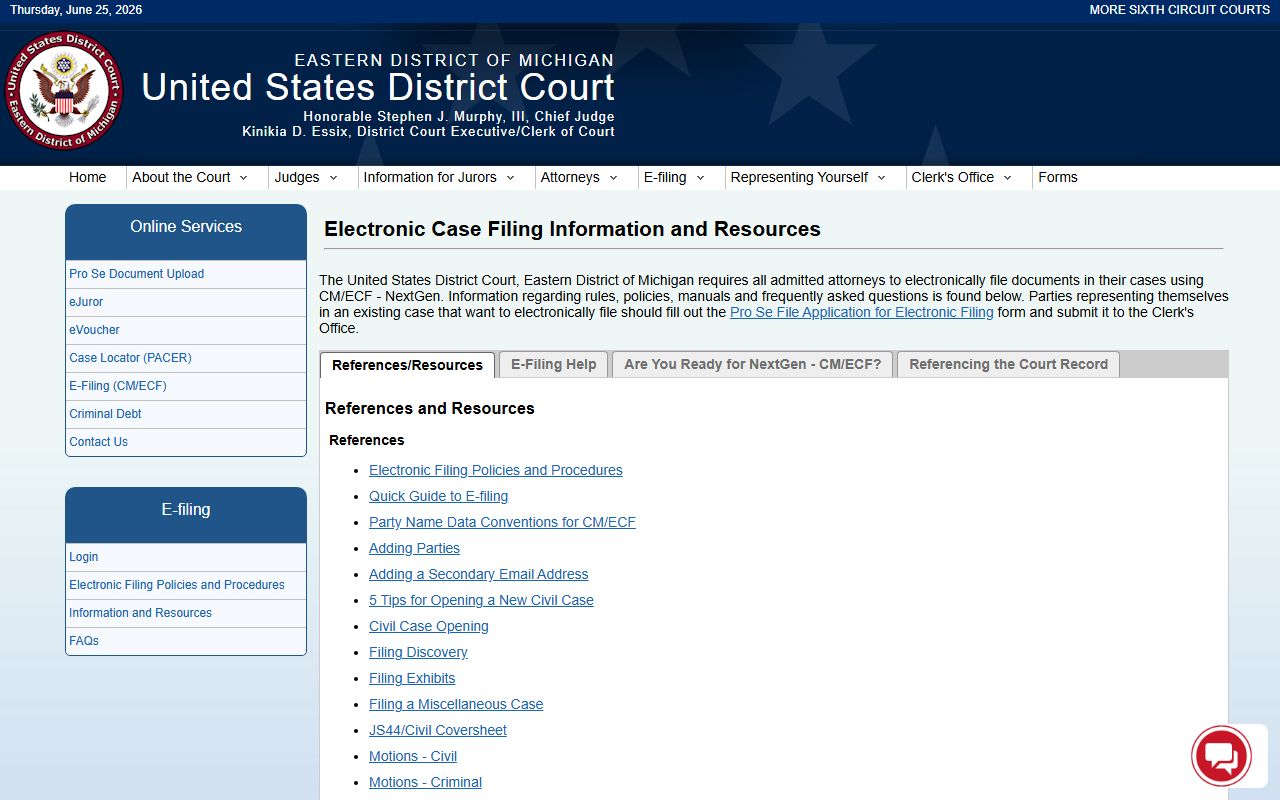
For the vast majority of drivers, though, a county ticket never touches the federal system, and the 65A District Court and the Secretary of State are the only two files that matter.
OWI and Drunk-Driving Cases
Operating while intoxicated is not an ordinary traffic infraction. OWI and drugged-driving charges are prosecuted as crimes, so they route to the criminal side through the district court and, at the felony level, the circuit court. The 65A District Court also feeds the regional treatment docket described below.
Eligible drunk- and drugged-driving offenders may be referred to the Mid-Michigan Regional Sobriety Court, a treatment court serving Clinton, Gratiot, and Montcalm Counties. The program runs 12 to 24 months across four phases with treatment, drug testing, peer support, community service, and review hearings, and Judge Andrew Stevens sits for the Clinton County caseload. For the full case file, charges, and sentencing on a driving crime, the details live in the Clinton County criminal court records.
CDL and Commercial Driver Records
Commercial driver's license holders face stricter federal rules on top of Michigan law. A CDL conviction can be reported to the statewide record even when the driver was in a personal vehicle, and many serious violations cannot be masked or diverted the way a private driver's ticket sometimes can. That makes the no-point review tool less useful for a commercial driver, since the outcome still gets reported.
A CDL holder who receives a citation should treat the court date seriously and confirm how a disposition will be reported before paying. Because the fine sits with the 65A District Court but the conviction flows to the Secretary of State, checking both files protects the license and the driving history that carriers rely on.
Sealing or Setting Aside Traffic Records
Michigan does not seal ordinary civil-infraction tickets, and a responsible finding on a traffic infraction generally stays on the record. Criminal traffic convictions, such as some misdemeanor driving offenses, are a different matter and may qualify for a set-aside under the state expungement statute.
Under MCL 780.621, eligible people can ask the convicting court to set aside qualifying convictions once waiting periods and offense limits are met. If a set-aside is granted, the public-facing record is restricted or redacted, though the court remains the source of record. The county lists Conviction Set Aside among its court services, so the process is active locally and is filed in the court that entered the conviction.
Public Access Laws for Traffic Records
Court records in Michigan are not obtained through a normal Freedom of Information Act request against the judiciary. The judicial branch is exempt from FOIA, so access runs through court rule instead. That is why a traffic file is requested from the district court and clerk rather than filed as a records request.
Key Statutes:
Michigan FOIA, Act 442 of 1976 - governs public bodies but exempts the judicial branch, so court traffic records fall under court rules instead.
MCL 28.241 - makes the Department of State Police responsible for criminal and juvenile records, which matters when a traffic conviction feeds state-level dissemination.
Under Michigan Court Rule 8.119, court records are open unless a statute, rule, or order restricts them, and public electronic documents must be available to the same extent as paper files at the courthouse. Personal identifiers are redacted, so a public traffic record will not display full account numbers or protected identifiers.
Fees for Traffic Record Copies
Reviewing a ticket through the county's online tool carries no visible portal fee. Costs appear when a driver wants paper or certified copies from the court, or when a fine attaches to the citation. The clerk's published copy fees apply to court documents, including traffic files. Online mapping and property tools sit alongside these services on the county site.
The county's online mapping portal is a separate resource, but it shows how the county packages its self-service tools next to the court and payment pages a driver uses.
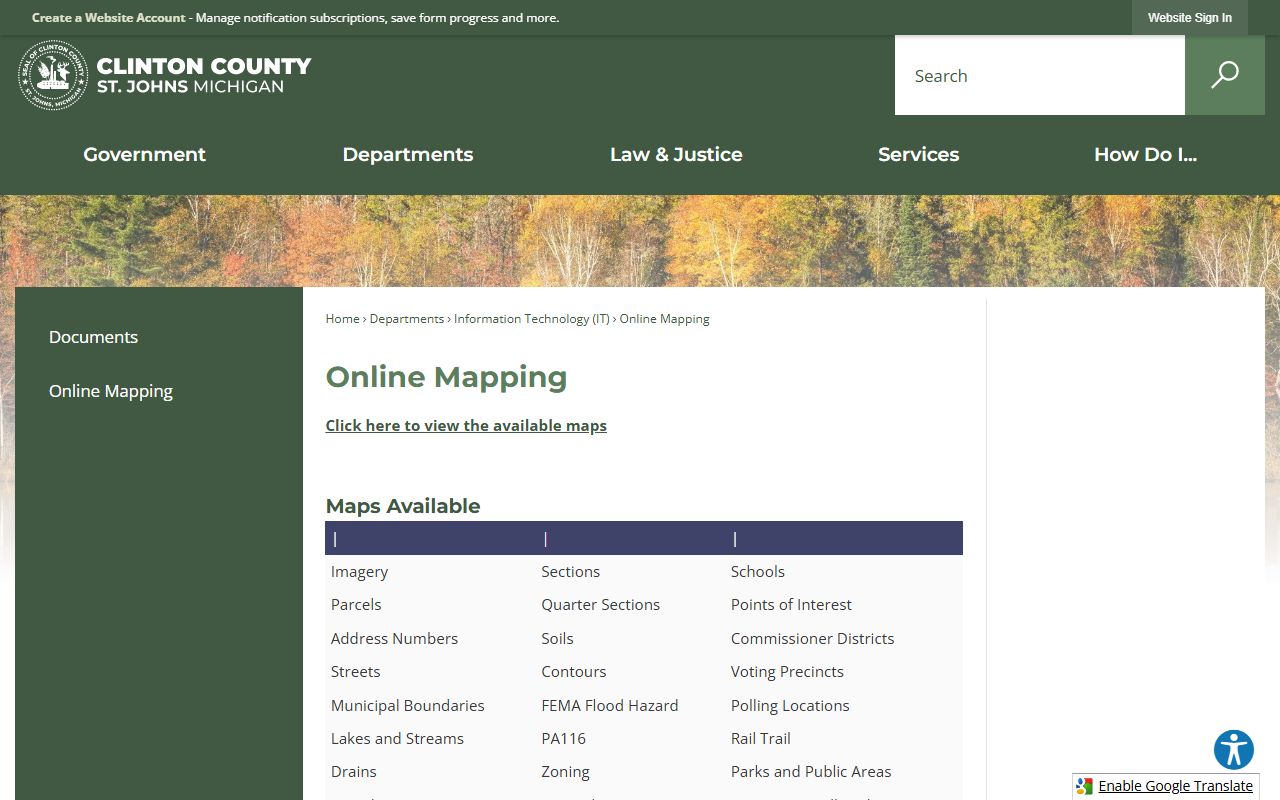
The fee schedule below covers the copy charges most drivers encounter when they need a court-usable record instead of a screen view.
| Item | Amount |
|---|---|
| Court copy, first 10 pages | $2 per page |
| Court copy, after 10 pages | $0.50 per page |
| Certified copy | $1 per page plus $10 |
| Faxed copy | $5 per page, 25-page limit |
| Email documents or data | $5 per document, up to 10 |
| Online ticket review | No visible portal fee |
| State driving record | Set by the Michigan Secretary of State |
Note: The state driving record is ordered separately from the Secretary of State, so its fee is not part of the district court copy schedule above.